Posts

My Memories

Image
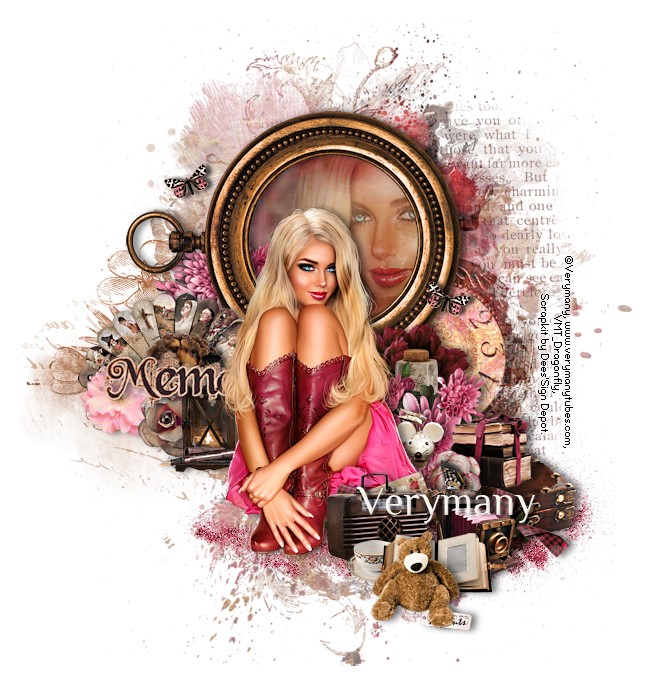
In this tutorial I used the tube “Sherry” from Verymany . You can purchase this pretty tube at Verymany’s store . The kit is “Captured Moments”. I love this beautiful kit! You will find it at Deedles n Doodles store. Font of choice. I used a drop shadow of vertical 0, horizontal 5, opacity 55, blur 10. Open a new transparent canvas 700 by 700 pixels and fill with white. Paste spray 2 and resize 90% paste spray 3 and resize 65%, paste spray 16 and mirror it, paste spray 11 and mirror it.  Move these four sprays into position.  Paste element 82, resize 90%, change the blend mode to “Overlay” and move into place. Paste the tube, resize 35%, mirror, place in position and apply the drop shadow. Paste frame 1, resize 45%,  rotate 90 degrees to the left and position behind the tube.   Select the interior of the frame with your magic wand, expand the selection by 20, make a new layer below it and paste paper 1 into the selection, paste the tube, resize 80%, move into po...
My Teddy Bear

Image
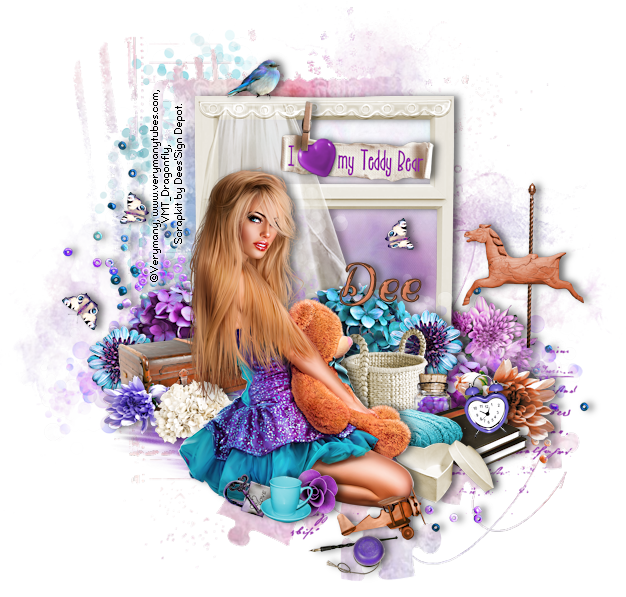
In this tutorial I used the tube “Teddy Bear 4” from Verymany . You can purchase the tube at Verymany’s store . The gorgeous kit is “”Love My Teddy”  which you can purchase at Deedles n Doodles store. You will need mask 4 from Imagine by Fra n. Font of choice. I used a drop shadow of vertical 0, horizontal 5, opacity 55, blur 10. Open a new transparent canvas 750 by 750 pixels and fill with white. Paste the mask and resize it 32%, select all, float and defloat the mask, make a new layer, paste paper 4 in to the selection, deselect, delete the original black mask layer, duplicate the paper layer and merge the copy down onto the original. Paste spray 15, resize 55% and move into place. Paste spray 6, mirror and move into place. Paste spray 10, resize 50% and move into place. Paste spray 8, resize 70% and mirror, position top left, duplicate, move the copy down and to the right and apply the drop shadow to each. Paste element 31b, resize 43%, mirror and move into place.  Click an...

Queen of Darkness

Image
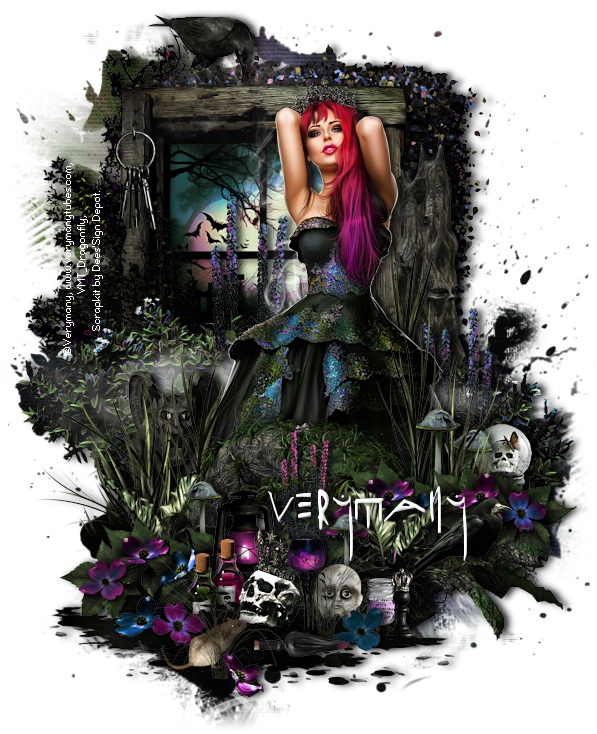
In this tutorial I used the fabulous tube “Princess of Darkness” from Verymany . You can purchase the tube at Verymany’s store . The kit is “Queen of Darkness”.  What an awesome kit it is! You can purchase it at Deedles n Doodles store. You will need my mask 0048 . Font of choice. I used a drop shadow of vertical 0, horizontal 5, opacity 85, blur 10. Open a new transparent canvas 650 by 800 pixels and fill with white. Make a new layer, select all, paste paper 8 into the selection, deselect, apply the mask, resize it 90% and mirror, duplicate, change the blend mode on the top copy to “Hard Light”, close off the white background, merge visible and re-open the background. Pate element 37, resize 65%, place in position and apply the drop shadow. Paste element 7, resize 50%, place in position and apply the drop shadow. Paste element 59b, resize 45%, place in position and apply the drop shadow. Paste element 65, resize 25%, place in position and apply the drop shadow. Paste element 77, r...

Between Friends

Image
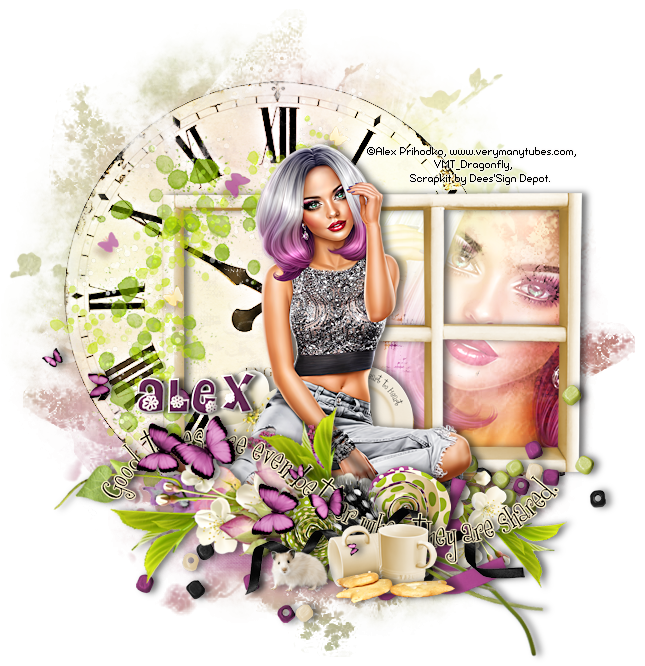
In this tutorial I used the tube “Alex” from Alex Prihodko . You can purchase the tube at Verymany’s store . I used the kit “Between Friends”. This pretty mini kit is available at Deedles n Doodles store. You will need mask 29 from Moonbeams and Spiderwebs . Font of choice. I used a drop shadow of vertical 0, horizontal 5, opacity 55, blur 10. Open a new transparent canvas 700 by 700 pixels and fill with white. Make a new layer, select all, paste paper 11 into the sselection, deselect and apply the mask. Paste element 50, resize 70%, place in position and apply the drop shadow. Paste the tube, resize 30%, place in position and apply the drop shadow. Paste element 57, resize 80%, mirror and position below the tube. Paste element 36, resize 20%, place in position and apply the drop shadow. Paste element 61, resize 80% and move into place. Paste element 29, resize 60%, duplicate, place in position and apply the drop shadow to each. Paste element 3b, resize 25%, place in position and apply...

Welcome to my World

Image
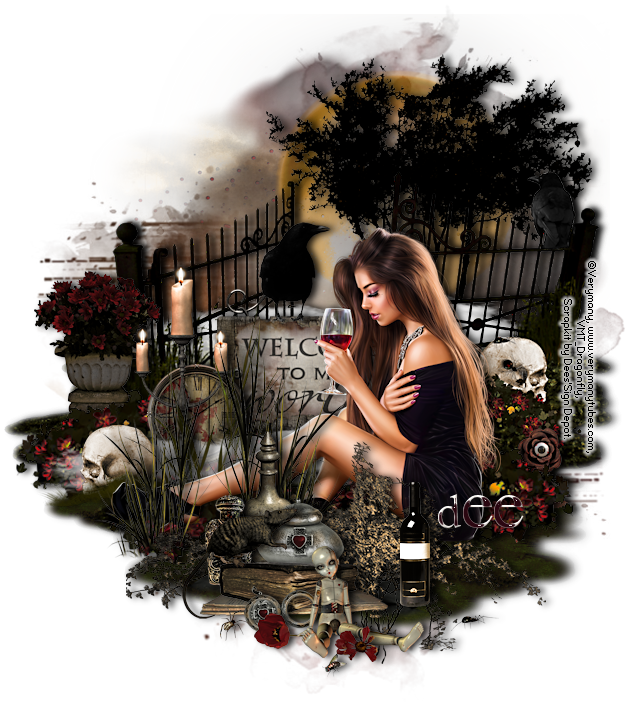
In this tutorial I used the lovely tube “Dreaminess” from Verymany . You can purchase the tube at Verymany’s store . The kit is “I’m So Hollow”. This is one of my favourite kits from Dee and I have used it several times. You can purchase it at Deedles n Doodles store. You will need my mask 0045 . Font of choice. I used a drop shadow of vertical 0, horizontal 5, opacity 85, blur 10. Open a new transparent canvas 650 by 750 pixels and fill with white. Make a new layer, select all, paste paper 4 into the selection, deselect, apply the mask, resize it 95% and mirror it. Paste element 88 and move into place. Paste element 62, resize 60%, place in position and apply the drop shadow. Paste element 10b, resize 75%, position towards the bottom of the mask and apply the drop shadow. Paste cluster 8, resize 75%, place in position and apply the drop shadow. Paste the tube, resize 32%, place in position and apply the drop shadow. Paste element 44, resize 30% , position below the tube and apply the ...

Halloween Fun

Image
In this tutorial I used the tube “Halloween Witch 2” from Alex Prihodko . You can purchase the tube at Verymany’s store . The kit is “Which Witch”. This is a fabulous fun kit with some great elements and be purchased at Deedles n Doodles store. You will need hw18 mask by Fecnikek . Font is October Crow . I used a drop shadow of vertical 0, horizontal 5, opacity 75, blur 10. Open a new transparent canvas 700 by 700 pixels and fill with white. Paste the mask and resize it 22%, select all, float and defloat the mask, make a new layer, paste paper 6 into the selection, deselect and delete the original black mask layer. Paste spray 11b, resize 70% and move into place. Paste element 45b, resize 65%, place in position and apply the drop shadow. Paste element 36, resize 40%, place in position and apply the drop shadow. Paste element 49, resize 12%, place in position and apply the drop shadow. Paste element 50, resize 12%, place in position and apply the drop shadow. Paste element 3, resize 20%...

Inspired by Steam

Image
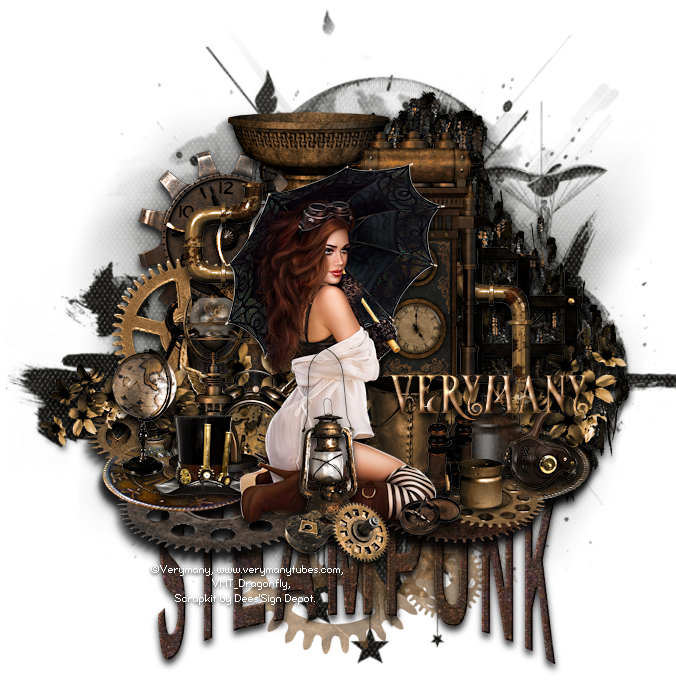
In this tutorial I used the tube “Steampunk 17” from Verymany . You can purchase the tube at Verymany’s store . The kit is “Inspired by Time”. I  have used this awesome kit before! You can purchase it at Deedles n Doodles store. You will need my mask 0047 . Font of choice. I used a drop shadow of vertical 5, horizontal 0, opacity 85, blur 10. Open a new transparent canvas 700 by 700 pixels and fill with white. Make a new layer, select all, paste paper 14 into the selection, deselect and apply the mask. Paste spray 12, resize 80%, recolour 7a5835 and move into place.  Paste wordart 1c, resize 60%, place in position and apply the drop shadow. Paste element 82b, resize 90%, place in position and apply the drop shadow. Paste the tube, resize 28%, place in position and apply the drop shadow. Paste element 110, resize80%, position just above the mask and apply the drop shadow. Paste element 89, resize 40%, place in position and apply the drop shadow. Paste element 58, resize 30%, pl...