Posts

Ratty!

Image
In this tutorial I used the fun tube “Halloween Orchestra Rat with Trumpet” from Laguna . I just had to have  this tube when I saw it! You can purchase it from Pics for Design . I used the kit “Brew Time”. This is such a cute kit and my second tutorial using it! You can purchase it at Deedles n Doodles store. You will need mask  mask 4hwol.fecnikek (3) Fecnikek and my mask 0018 . Font of choice. I used a drop shadow of vertical 0, horizontal 5, opacity 75, blur 10. Open a new transparent canvas 750 by 750 pixels and fill with white. Make a new layer, select all, paste paper 8 into the selection, apply my mask,  resize 90% and lower the opacity to around 65. Paste Fecnikek’s mask and resize it 20%.  You should still have a full selection on your canvas so float and defloat the mask, make a new layer and paste paper 4 into the selection, deselect and delete the original black  mask layer. Paste frame 1c, resize 65% and apply the drop shadow. Paste spray 6, resize ...
None the Wiser

Image
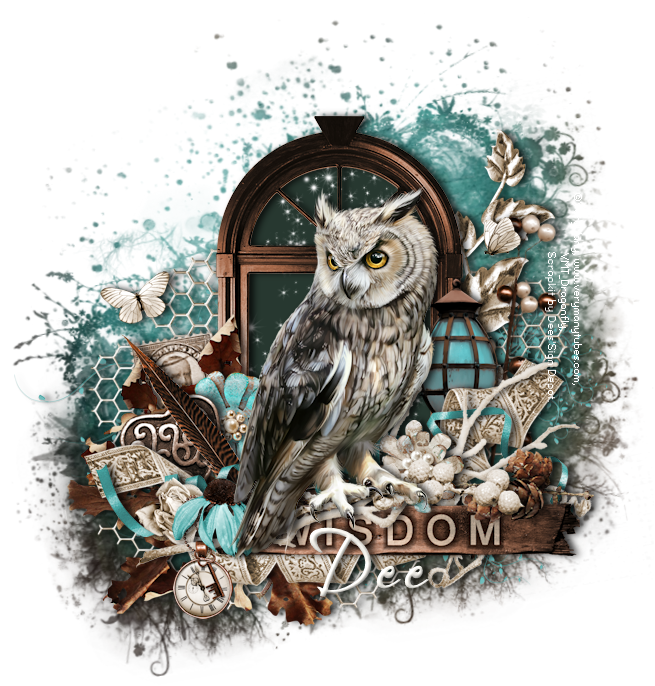
In this tutorial I used the beautiful owl tube from Verymany . You can purchase this tube from Verymany’s store . The kit is “None the Wiser”. You will find this beautiful kit at Deedles n Doodles store. You will need mask 66 from Moonbeams and Spiderwebs . Font of choice. I used a drop shadow of vertical 0, horizontal 5, opacity 75, blur 10. Open a new transparent canvas 750 by 750 pixels and fill with white. Make a new layer, select all, paste paper 6 into the selection, deselect, apply the mask, resize 90% and rotate 10 degrees to the left. Paste element 73 and resize 55%.   Click anywhere on your canvas outside of the element with your magic wand to make a selection, invert the selection and contract it by 20, make a new layer below the element and fill with the colour #273830.   Paste spray 7 as a new layer, resize 55%, position in the frame, invert the selection, hit delete then deselect.   Apply the drop shadow to the frame, merge it down onto the spray and then a...

Cimmerian Shade

Image
In this tutorial I used a tube from Alphadesire. You can purchase the tube at Pics for Design . I did some slight recolouring as I did not want any red. The kit is Cimmerian Shade. This is an awesome kit and my second tutorial using it! You can purchase the kit at Deedles n Doodles store. You will need my mask 0029 . You will also need the Metalwork filter from Toadies . Font of choice. I used a drop shadow of vertical 0, horizontal 5, opacity 95, blur 10. Open a new transparent canvas 700 by 800 and fill with white. Make a new layer, select all, paste paper 11 into the selection, deselect and resize 95%. Paste element 55, resize 80%, place in position on the right and apply the drop shadow. Paste element 30, resize 90%, place in position on the left and apply the drop shadow. Paste frame 6, resize 70% and move into position.   Select the interior of the frame with your magic wand,   expand the selection by 10, make a new layer below the frame and fill with the colour 202c34....

Your Words!

Image
In this tutorial I used another fabulous tube from Enys Guerrero . You can purchase Enys’ tubes from Creative Design Outlet . The kit is “Your Words”. This is an awesome kit packed full with fabulous elements, papers, sprays and wordarts. I have only used a fraction of them in my tag! You can purchase the kit at  Deedles n Doodles store. You will need my mask 0023 . Font of choice. I used a drop shadow of vertical 0, horizontal 5, opacity 85, blur 10. Open a new transparent canvas 750 by 800 pixels and fill with white. Make a new layer, select all, paste paper 13 into the selection, deselect, apply the mask, resize 95% and mirror. Paste spray 15 and move it down towards the bottom of the mask. Paste spray 13, it will go in the right place. Paste spray 14, resize 70% and position so the butterfly shows in the top, right corner. Paste element 29, resize 75% and position on the right, duplicate, move the copy over to the left and apply the drop shadow to each. Paste element 31c, resi...

Santa's train

Image
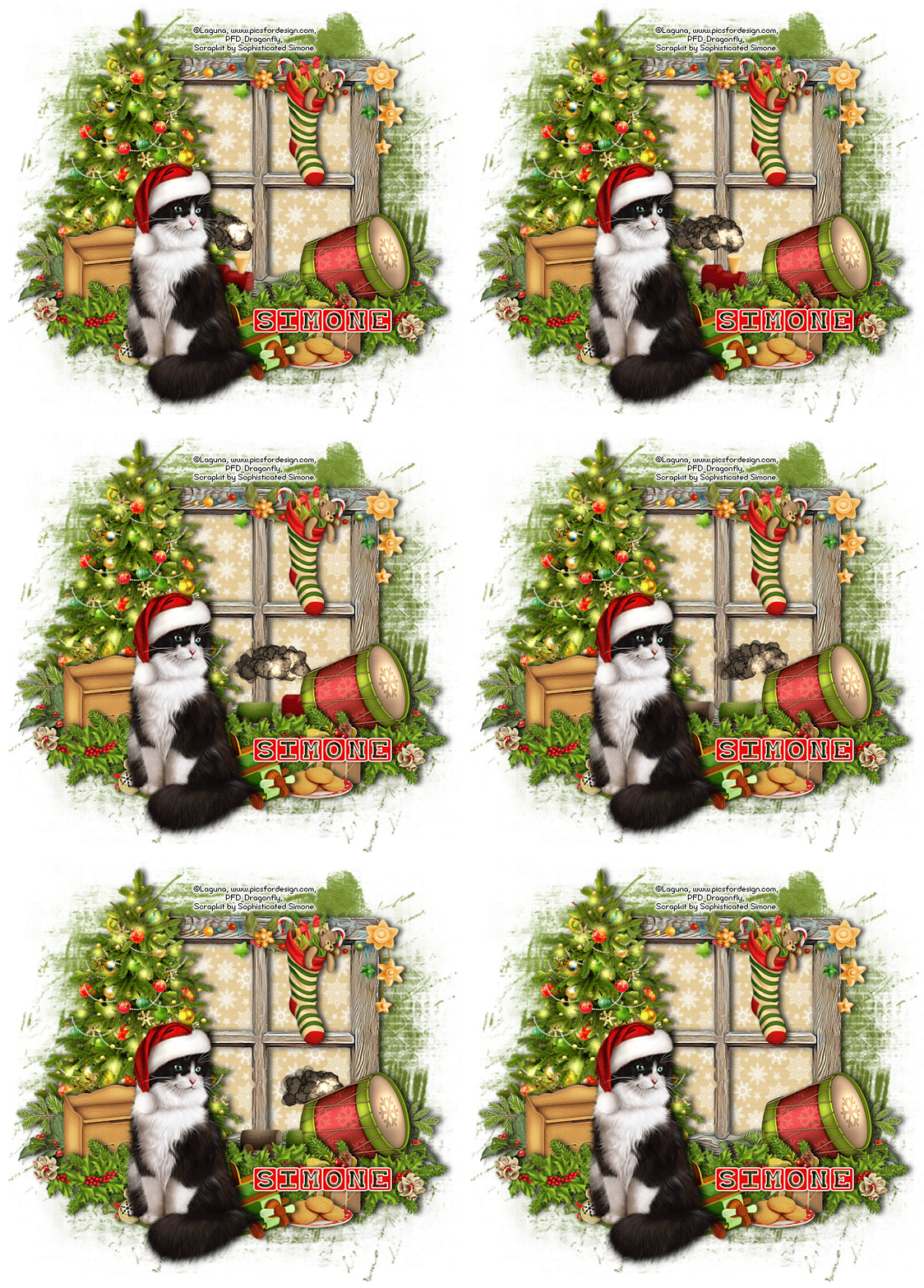
In this tutorial I used the gorgeous cat   that Comes with the tube “Christmas girl fairy with a cat” by Laguna . You can purchase the tube at Pics for Design . I used part of the collab “Hung With Care” . The kit includes four animations and can be purchased at Doodles n Deedles store. I used mask 4 from set 53 by Rachel . You will need Animation Shop for the animation. Font is  Baby Blocks . I used a drop shadow of vertical 0, horizontal 5, opacity 75, blur 10. Open a new transparent canvas 750 by 700 pixels and fill with white. Make a new layer, select all, pate paper 9 into the selection, deselect, apply the mask and resize it 95%. Paste frame 4 and resize 65%.   Click with your magic wand anywhere on the canvas outside of the frame to make a selection, invert the selection and contract it by 20, make a new layer below the frame and paste paper 4 in to the selection.   Make another layer, now paste paper 5 into the selection and deselect.    Change the...