Posts

Cimmerian Shade

Image
In this tutorial I used a tube from Alphadesire. You can purchase the tube at Pics for Design . I did some slight recolouring as I did not want any red. The kit is Cimmerian Shade. This is an awesome kit and my second tutorial using it! You can purchase the kit at Deedles n Doodles store. You will need my mask 0029 . You will also need the Metalwork filter from Toadies . Font of choice. I used a drop shadow of vertical 0, horizontal 5, opacity 95, blur 10. Open a new transparent canvas 700 by 800 and fill with white. Make a new layer, select all, paste paper 11 into the selection, deselect and resize 95%. Paste element 55, resize 80%, place in position on the right and apply the drop shadow. Paste element 30, resize 90%, place in position on the left and apply the drop shadow. Paste frame 6, resize 70% and move into position.   Select the interior of the frame with your magic wand,   expand the selection by 10, make a new layer below the frame and fill with the colour 202c34....
Your Words!

Image
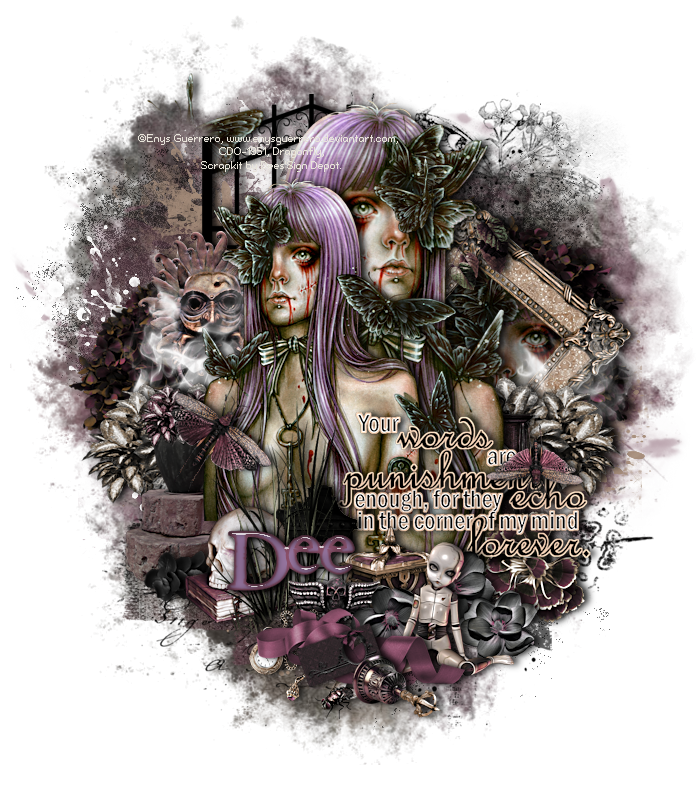
In this tutorial I used another fabulous tube from Enys Guerrero . You can purchase Enys’ tubes from Creative Design Outlet . The kit is “Your Words”. This is an awesome kit packed full with fabulous elements, papers, sprays and wordarts. I have only used a fraction of them in my tag! You can purchase the kit at  Deedles n Doodles store. You will need my mask 0023 . Font of choice. I used a drop shadow of vertical 0, horizontal 5, opacity 85, blur 10. Open a new transparent canvas 750 by 800 pixels and fill with white. Make a new layer, select all, paste paper 13 into the selection, deselect, apply the mask, resize 95% and mirror. Paste spray 15 and move it down towards the bottom of the mask. Paste spray 13, it will go in the right place. Paste spray 14, resize 70% and position so the butterfly shows in the top, right corner. Paste element 29, resize 75% and position on the right, duplicate, move the copy over to the left and apply the drop shadow to each. Paste element 31c, resi...

Santa's train

Image
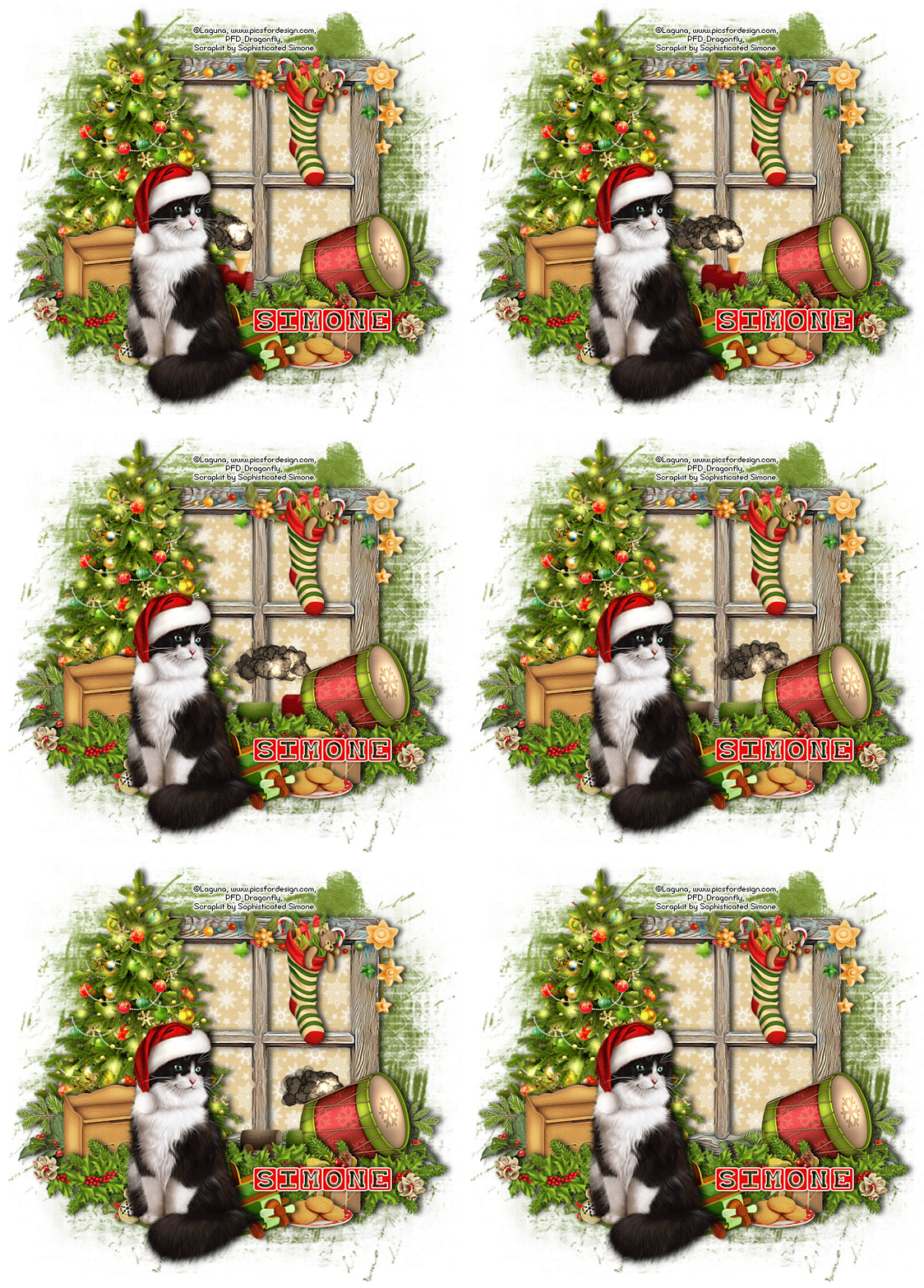
In this tutorial I used the gorgeous cat   that Comes with the tube “Christmas girl fairy with a cat” by Laguna . You can purchase the tube at Pics for Design . I used part of the collab “Hung With Care” . The kit includes four animations and can be purchased at Doodles n Deedles store. I used mask 4 from set 53 by Rachel . You will need Animation Shop for the animation. Font is  Baby Blocks . I used a drop shadow of vertical 0, horizontal 5, opacity 75, blur 10. Open a new transparent canvas 750 by 700 pixels and fill with white. Make a new layer, select all, pate paper 9 into the selection, deselect, apply the mask and resize it 95%. Paste frame 4 and resize 65%.   Click with your magic wand anywhere on the canvas outside of the frame to make a selection, invert the selection and contract it by 20, make a new layer below the frame and paste paper 4 in to the selection.   Make another layer, now paste paper 5 into the selection and deselect.    Change the...

Ho Ho Ho!

Image
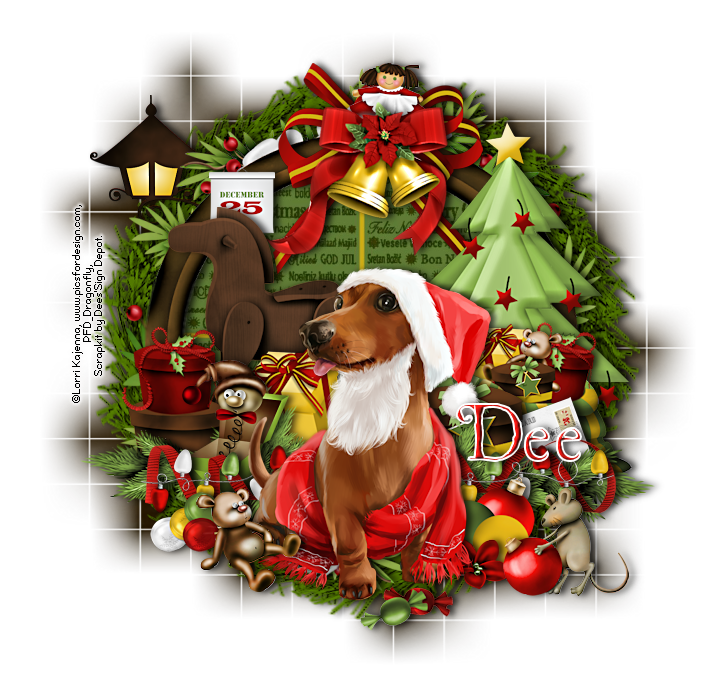
In this tutorial I used a really cute tube from Lorri Kajenna . You can purchase this tube at Pics for Design . The kit is “Happy Holidays”. Love this kit, it has some really nice elements! You can purchase the kit from Deedles  n Doodles store. I used mask 84 from Weescotslass . Font is St. Nicholas . I used a drop shadow of vertical 0, horizontal 5, opacity 75, blur 10. Open a new transparent canvas 800 by 775 pixels and fill with white. Make a new layer, select all, paste paper Plain 7 into the selection, deselect, apply the mask and resize 95%. Paste element 46 and resize 85%.   Select the interior of the element with your magic wand, expand the selection by 20, make a new layer below it and paste paper 4 into the selection and deselect.   Apply the drop shadow to the element and merge it down onto the paper. Paste frame 2, resize 70%, place in position and apply the drop shadow. Paste element 27a, resize 50%, drag below the frame, place in position erasing the part ...