Posts

Saturnalia

Image
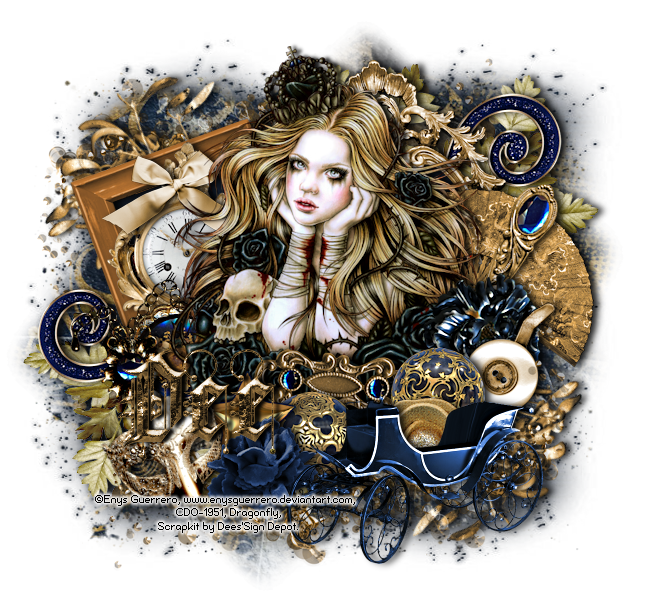
In this tutorial I used the awesome art of Enys Guerrero . This tube is called “Mad Queen Alice” and can be purchased at Creative DesignOutlet . The beautiful kit is called “Saturnalia". You can purchase the kit at Deedles n Doodles store. I used two masks, mask 01 from Melissaz Creationz and mask 0120 from Simone at Scrappy Bit of Fun . I used the font Kingthings Spike . I used a drop shadow of vertical 0, horizontal 5, opacity 85, blur 10. Open a new transparent canvas 650 by 600 pixels and fill with white. Make a new layer, select all, paste paper 12 into the selection and apply Melissaz’ mask, resize 95%. Make another layer and paste paper 13 into the selection, apply Simone’s mask, deselect and resize 95% Paste element 71 as a new layer, resize 40% and rotate 20 degrees to the left.   Select the interior of the frame with your magic wand, expand the selection by 5 and make a new layer below it, paste paper 13 into the selection and deselect.   Apply the drop shadow to th...
Bibbidi Bobbidi Boo

Image
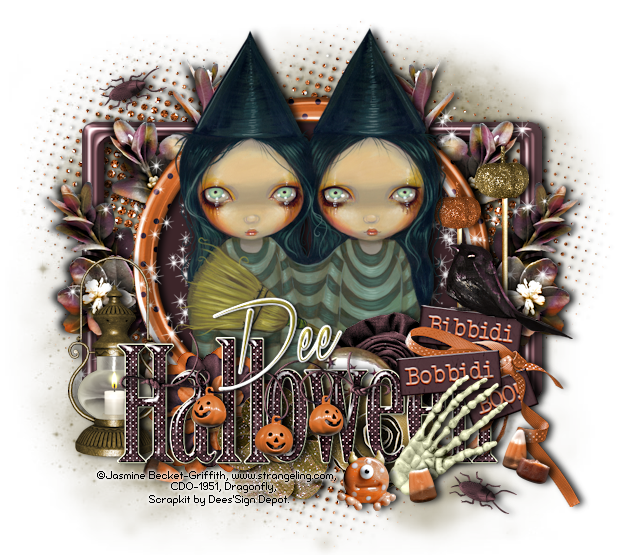
In this tutorial I used a gorgeous tube by Jasmine Becket-Griffith . You need a license to use Jasmine’s art, available at Creative Design Outlet . I used a fun kit called “Bibbidi-Bobbidi-Boo”. Loved working with this kit, Halloween is my favourite time for tagging! You can purchase the kit at Deedles n Doodles store. You will also need a mask, I used mask 18 from Millie’s PSPMadness . I used the font Xtreem Medium . Unless stated, I used a drop shadow of vertical 0, horizontal 5, opacity 85, blur 10. Open a new transparent canvas 650 by 600 and fill with white. Make a new layer, fill with a dark colour from the kit (I used #6b5e33) and apply the mask. Paste Spray 1 as a new layer, resize 75% and apply a drop shadow of vertical 0, horizontal 2, opacity 85, blur 5.   Paste one of the spotted frames as a new layer, resize it 50%, rotate it 90 degrees in either direction and move it up a little.   Select the interior of the frame with your magic wand, expand the selection by 10...

Broken Dreams

Image
In this tutorial I used the awesome art of Enys Guerrero . I just love Enys’ art! You need a license to use it, available at Creative Design Outlet . I used a fabulous kit Kiss#5. This is one of the series of Kiss kits priced at just a dollar. The kit comes with 30 elements and a paper for you to make your own tag and also a ready made PSD and PSP shadowed tag. You can purchase the kit at Deedles n Doodles store. You will also need a mask, I used mask 05 by Millie at Millie’s PSP Madness . Font of choice. Please check out my “About my tutorials” page if this is the first tutorial of mine you have followed, thank you. I used a drop shadow of vertical 0, horizontal 5, opacity 85, blur 10. Open a new transparent canvas 700 by 700 pixels and fill with white. Make a new layer on your canvas, fill with colour #1c1f21 and apply the mask.   If you are going to use your tag on a dark background, fill the layer with the paper instead of the colour. Paste element 19 as a new layer, resize 60...

Sweetly Refined

Image
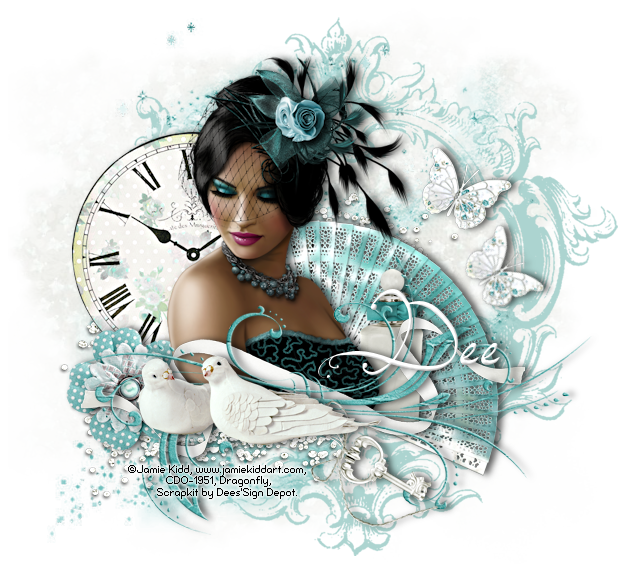
In this tutorial I used the beautiful art of Jamie Kidd. You need a license to use Jamie’s art, available at Creative Design Outlet . I used a kit called “Sweetly Refined”. This is a really gorgeous kit and has many more elements than I have used in this simple tag. The kit can be purchased at Deedles n Doodles store. You will also need a mask, I used mask 188 by Gems . I used the font  Endless Voyage by Jellyka . Please be sure to check out my “About my tutorials” page if this is the first tutorial of mine you have followed, thank you. I used a drop shadow of vertical 0, horizontal 5, opacity 65, blur 10. Open a new transparent canvas 650 by 600 pixels and fill with white. Copy Paper_14, make a new layer on your canvas, select all, paste the paper into the selection, deselect and apply the mask.   Duplicate the mask and merge the top copy down onto the original copy. Paste Spray_6 as a new layer and resize 75%. Paste Spray_2 as a new layer,   resize 80% and move a littl...