
Posts

Glam and Glitter

Image
In this tutorial I used the fabulous art of Alex Prihodko, You need a license to use Alex’ art, available at Pics for Design . I used a kit called “Glam it Up”. This beautiful kit can be purchased at Deedles n  Doodles store. You will also need a mask, I used Big Mask 017 by Vix . I used the font Pharmacy . Please check out my “About my tutorials” page if this is the first tutorial of mine you have followed. I used a drop shadow of vertical 0, horizontal 5, opacity 85, blur 10. Open a new transparent canvas 700 by 600 pixels, fill with white, go to Selections – Select All. Paste Paper_6 as a new layer and go to Image – Crop to Selection and then apply the mask. Paste Frame_6b as a new layer, resize 60%, select each section of the frame with your magic wand, expand the selection by 5, make a new layer below the frame and fill with black, deselect.   We will come back to this. Paste Element_5 as a new layer on the top, resize 35%, place in position and apply the drop shadow. Pa...
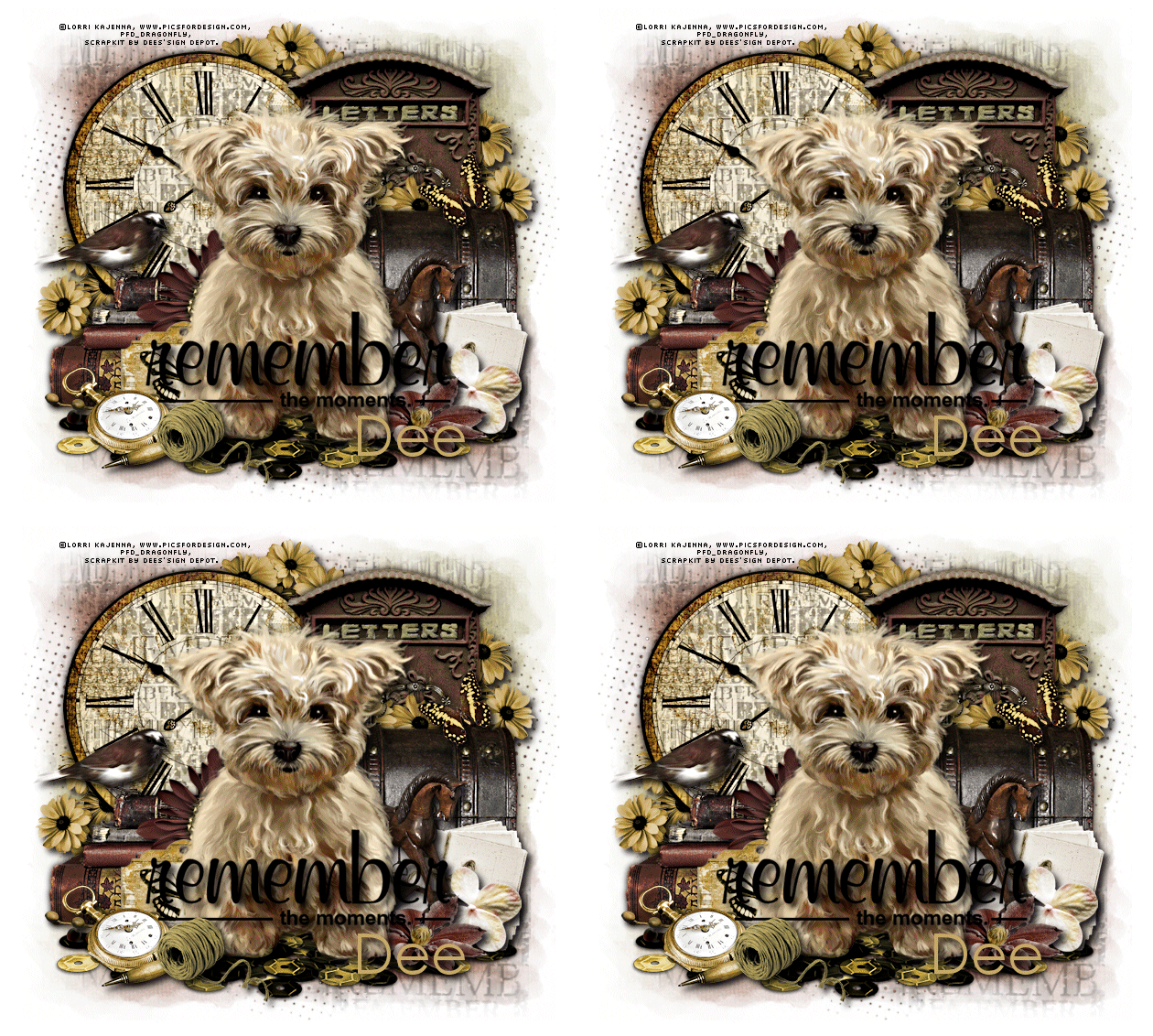
Remember When

Image
In this tutorial I used a beautiful tube by Lorri Kajenna. You can purchase this tube at Pics For Design . The kit is called “Remember When”. This is a really beautiful kit made in memory of Dee’s father and contains some beautiful elements, many more than I have used. You can purchase the kit at Deedles n Doodles store. You will also need a mask, I used mask 565 by Insatiable Dreams . I used the Windows font  Century Gothic. You will need Animation Shop for the animation. The idea for the animation belongs to Crazy Carita , I have simply written the tutorial for it. Check out Carita’s site to see her gorgeous tag "Cutsey Splash" If this is the first tutorial of mine you have followed, please check out my “About my tutorials” page before starting, thank you. Unless noted, I used a drop shadow of vertical and horizontal 5, opacity 85, blur 10. Open a new transparent canvas 650 by 600 pixels and fill with white. Make a new layer on your canvas, select all, copy Paper_12 and pa...