Posts

Peppermint Pleasures
Image
In this tutorial I used the art of Eos Sparks . You need a license to use Eos’ art, they are available at The PSP Project . I used two of the beautiful Peppermint Pleasures clusters. You can purchase the clusters, cluster frames and the kit  independently or as a bundle from Deedles n Doodles store. You will need Animation Shop and my snow animation here . You will also need a snow scene, I used a paper from The “December Magic” kit also from Dee. I used Christmas mask 6 from Fecnikek . Font of choice. I used a drop shadow of vertical 0 horizontal 5, opacity 65, blur 10. Open a new transparent canvas 750 by 700 pixels and fill with white. Make a new layer and fill with the colour #d7a7b1.   Paste the mask as a new layer, resize it 40%, select it, float and defloat it, invert the selection, click on the colour layer to activate it and hit delete, deselect and delete the black mask layer. Paste cluster 8, resize it 60% and place in position. Paste cluster 7a, mirror it and plac...

All Dolled Up!

Image
In this tutorial I used the tube “Best Present” by Alehandra Vanhek . This lovely tube can be purchased for just $1 at Pics for Design . I used the kit “Bordeaux Kisses” from. This gorgeous, huge kit can be purchased from Doodles n Deedles store. I used mask mask 0573 from Trese Tags . Font of choice. I used a drop shadow of vertical 0, horizontal   5, opacity 75, blur 10. Open a new transparent canvas 750 by 750 pixels and fill with white. Make a new layer, select all, paste paper 15 into the selection, deselect, apply the mask with the “Invert mask data” box checked and resize 95%. Paste frame 8c, resize 45% and move into position, select the interior of the frame with your magic wand, expand the selection by 20, make a new layer below the element and fill with colour #252525, deselect.   We will come back to this. Paste word art 1, resize 55%, place in position and apply the drop shadow. Paste the tube, resize 25%, place in position and apply the drop shadow. Paste element...

Boo 2 U

Image
In this tutorial I used a fabulous tube from  Lorri Kajenna . You can purchase this tube at Pics for Design . The kit is “A Big Boo 2 You”. This is a really awesome kit that works really well with this tube but you don’t need a tube at all as there is gorgeous owl in a witch’s hat included! You can purchase the kit from Deedles n Doodles store. I used mask 1 from set 1 from Rocked by Rachel . Font is JI Belfry . I used a drop shadow of vertical 0, horizontal 5, opacity 95, blur 10. Open a new transparent canvas 750 by 700 pixels and fill with white. Make a new layer, select all, paste paper 15 into the selection, deselect, apply the mask and resize 90%. Paste element 41, resize 85% and mirror, place in position and apply the drop shadow. Paste element 64, resize 65%, drag below the house and position on the left, duplicate, move the duplicate over to the right so some shows at the bottom and erase the top part of the element, apply the drop shadow to each. Paste element 78, resie ...

Hollow

Image
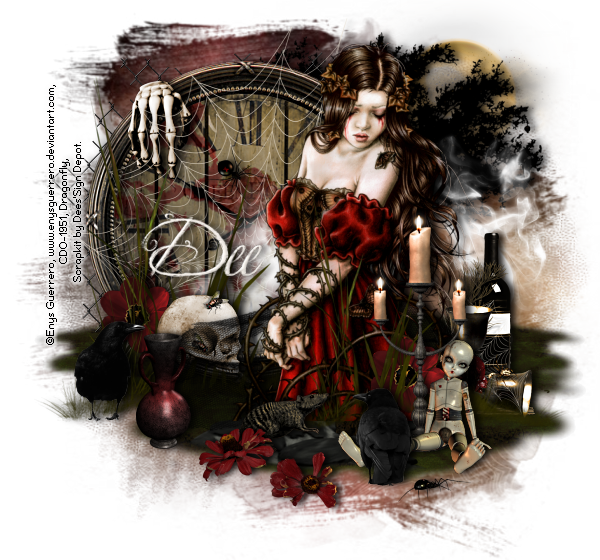
In this tutorial I used the awesome art of Enys Guerrero . You need a license to use Eny’s art, available at Creative Design Outlet . I used a fantastic kit called “I’m So Hollow”. You can purchase the kit from Deedles n Doodles store. I used mask 4 from set 9 from Rocked by Rachel . Font is Jellyka King's Hat . I used a drop shadow of vertical 0, horizontal 5, opacity 85, blur 10. Open a new transparent canvas 650 by 600 pixels and fill with white. Make a new layer, select all, paste paper 4 into the selection, deselect and apply the mask. Paste element 88, resize 50% and place in position. Paste element 62, resize 65%, place in position and apply the drop shadow. Paste element 10b, resize 75% and place in position. Paste element 104, resize 50%, place in position and apply the drop shadow. Paste element 137, resize 80%, place in position and apply the drop shadow. Paste the tube, resize 70%, place in position and apply the drop shadow, Paste element 61, resize 45%, drag below th...